Check the interface first
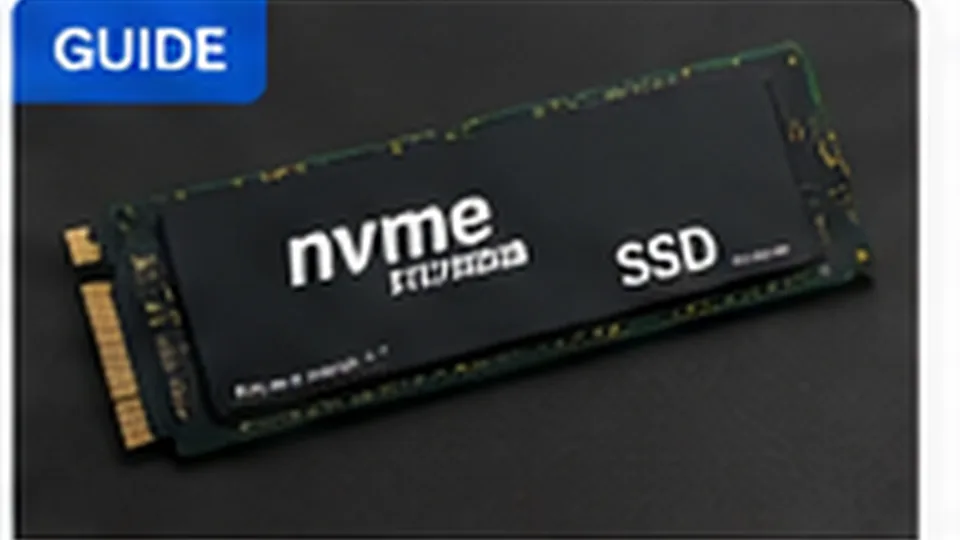
Desktop and laptop systems may support 2.5-inch SATA drives, M.2 SATA drives, NVMe drives or a combination. Physical M.2 size does not guarantee protocol compatibility. Check the manufacturer documentation or motherboard manual before buying.
Choose capacity with headroom
Leave free space for operating-system updates, temporary files and application growth. If a 512 GB drive is already nearly full, replacing it with another 512 GB drive does not solve the underlying capacity problem.
Back up before migration
Cloning software can simplify migration, but important files should be independently backed up first. After the upgrade, keep the old drive untouched until the new system has been tested and critical data verified.