Why choose a desktop?
A desktop usually gives designers more room for cooling, larger power supplies, additional storage and easier access to internal components. That can make desktops attractive for long working sessions, gaming, engineering, media production and businesses that want machines to remain at fixed workstations.
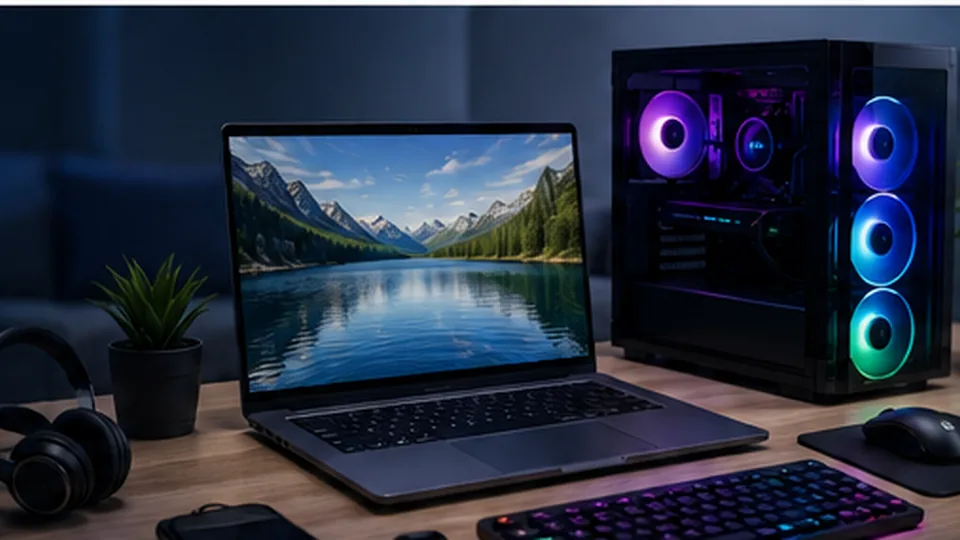
Tower, mini PC or all-in-one
Traditional towers provide the greatest upgrade flexibility. Mini PCs save space and can be excellent for office, reception and home-use systems, but upgrade options vary. All-in-one computers combine the display and system in one enclosure; they reduce cable clutter but may be harder to repair or upgrade.
Plan the complete workstation
The computer is only part of the purchase. Include the monitor, keyboard, mouse, webcam, speakers or headset, surge protection and backup storage in the budget. A well-matched monitor can improve daily comfort more than spending the same amount on a small processor upgrade.