🇨🇦 Canadian computer & technology guidance
AboutContact
Home›Choosing Computers for a Small Business

Business computing

Choosing Computers for a Small Business

For a business, the best computer is not just fast—it must also be supportable, secure and predictable over its working life.

Standardize where practical

Small businesses can simplify support by buying a smaller number of consistent models rather than a different computer for every employee. Standardization makes docks, chargers, imaging, spare devices and troubleshooting easier to manage.
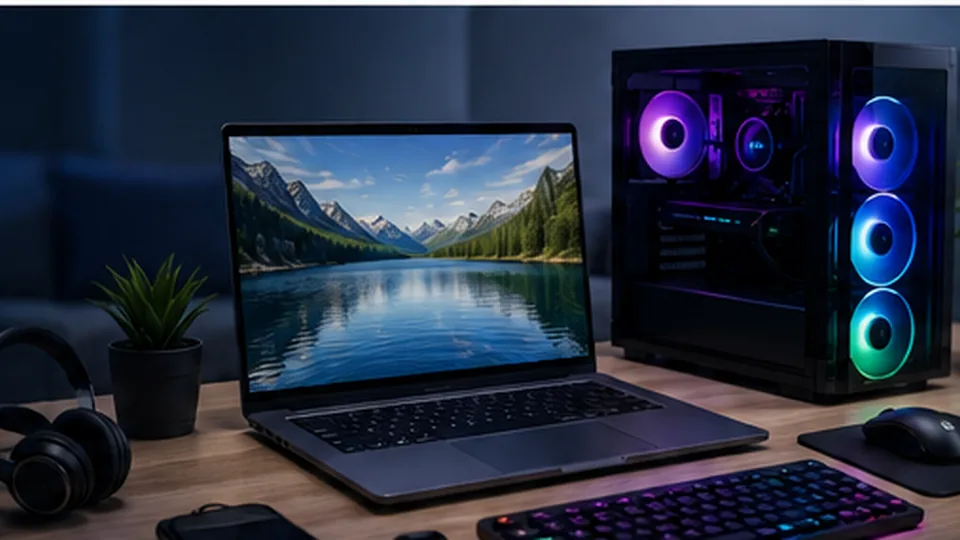
Business computer workstation
Business computers should be evaluated as part of a complete workstation, including displays, docking, warranty and security needs.

Reliability and serviceability

Look beyond peak performance. Warranty terms, on-site service options, parts availability, BIOS and driver support, docking compatibility and the ability to replace a failed SSD or battery can matter more to a business than a benchmark difference that employees never notice.

Security and account management

Use individual accounts, multi-factor authentication, device encryption, current operating systems and centrally managed backups. Separate administrator privileges from normal user accounts where possible. For growing teams, consider business device management before the fleet becomes difficult to control.

Plan replacement before failure

Maintain an inventory with purchase date, warranty, assigned user and recovery information. Proactive replacement can be cheaper than emergency replacement during a busy period, especially for machines that are essential to billing, design, dispatch or customer service.

Business purchasing guidance · August 2026

Business-class examples

Computer families businesses commonly compare

Editorial standard: The models below are research examples available in the Canadian market. BestComputer.ca has not represented them as hands-on tested unless a page explicitly says so. Configurations, prices and stock can change, so verify the exact model before buying.

Lenovo ThinkPad / ThinkBook

Current Lenovo Canada business lines span premium ThinkPad models and more value-oriented ThinkBook systems.

Explore Lenovo Canada →

HP EliteBook / ProBook

HP Canada currently lists EliteBook and ProBook systems with Windows 11 Pro, business security options and multiple support tiers.

Explore HP Canada →

Dell Pro and Dell laptops

Dell's Canadian lineup includes professional systems as well as mainstream laptops that can fit smaller-business budgets.

Explore Dell Canada →

Microsoft Surface Laptop

Surface can fit organizations that value a consistent premium Windows hardware experience and Microsoft ecosystem integration.

Explore Microsoft Surface →
Procurement tip: businesses should compare warranty response, Windows edition, endpoint-management compatibility, docking and charger standardization—not only processor speed.

Quick answers

Frequently asked questions

How much RAM should a business computer have?

16 GB is a practical baseline for many office systems today. Heavier spreadsheets, development tools, creative software, virtual machines or very heavy multitasking may justify 32 GB or more.

Why buy a business-class computer instead of a consumer model?

Business-oriented systems may offer stronger warranty options, easier fleet standardization, manageability, security features, docking support and more predictable replacement models. The value depends on the organization.

How often should a business replace computers?

There is no universal schedule. Many organizations plan replacement before hardware becomes unreliable or unsupported, often around a three-to-five-year lifecycle depending on workload, warranty and security requirements.