1. List the applications you need
Start with required software. Check its operating-system, processor, memory and graphics requirements. This prevents buying a device that is attractive but incompatible with school, work or creative applications.
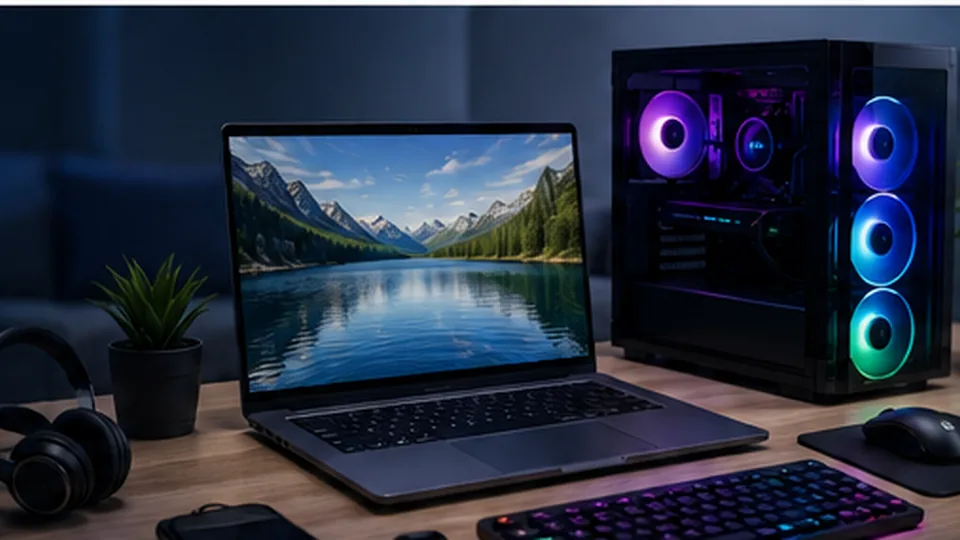
2. Decide where it will be used
A laptop that travels every day should be judged differently from one that rarely leaves a desk. Weight, battery life, charger size and durability matter more for commuters and students; a larger screen and stronger cooling may matter more for desk-heavy use.
3. Set memory and storage targets
For many buyers, 16 GB of RAM and a 512 GB SSD provide a practical starting point. Increase memory for heavier multitasking, development or creative work. Increase storage if you keep large local photo, video, game or project libraries.
4. Inspect the parts people forget
Keyboard feel, webcam quality, microphone, speakers, port selection, Wi-Fi generation, display brightness, repairability and warranty can affect daily satisfaction more than a small CPU difference.
5. Compare the full price
Include adapters, external storage, a dock, monitor, accidental-damage coverage or upgraded warranty if those are part of the real setup. The cheapest laptop may not be the cheapest usable solution.