πŸ‡¨πŸ‡¦ Canadian computer & technology guidance
AboutContact
Homeβ€ΊGaming PC Buying Guide for Canada

Gaming computers

Gaming PC Buying Guide for Canada

A balanced gaming PC should be designed around the games you play, the resolution of your monitor and the frame rates you actually want.

Quick answer

For a gaming PC, decide the target resolution and refresh rate first. That makes it easier to choose an appropriate graphics card and then match the processor, memory, cooling and power supply around it.

Start with the monitor target

Gaming hardware makes more sense when you begin with the display. Playing at 1080p, 1440p and 4K places very different demands on the graphics card. High-refresh competitive gaming also changes priorities compared with cinematic single-player games.
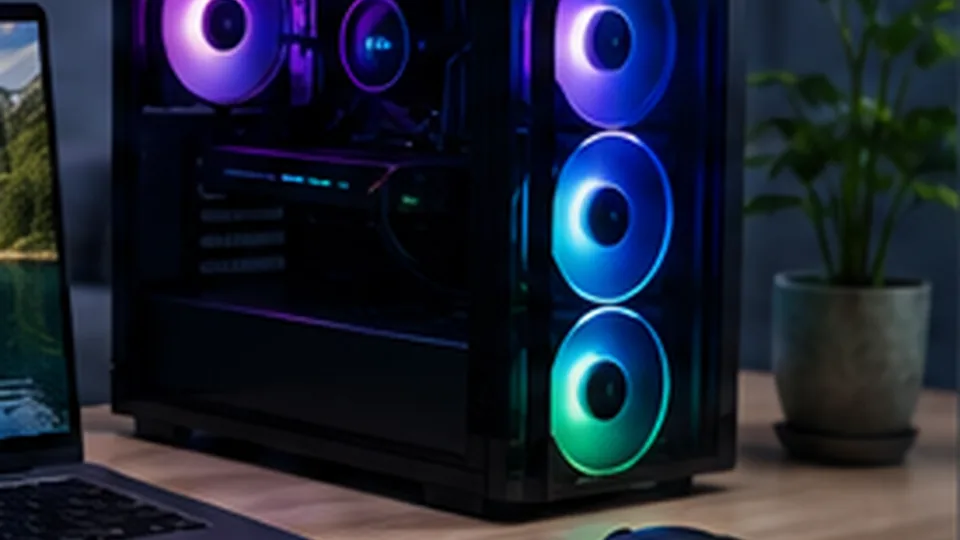
Gaming desktop computer
Gaming PC value depends on matching the graphics card, processor, memory, cooling and monitor target.

GPU first, but not GPU only

The graphics processor is often the largest performance driver in modern games, but the CPU, memory, storage and cooling still matter. A very powerful GPU paired with a weak processor or inadequate power supply creates an unbalanced system. Likewise, premium components need a case and cooling design that can sustain performance without excessive noise.

Prebuilt vs custom

Prebuilt systems offer one warranty and a ready-to-use configuration. Custom systems can provide more control over the exact motherboard, power supply, case and cooling. Whichever route you choose, verify component model numbers rather than relying on labels such as β€œgaming grade.”

Gaming PC research framework Β· August 2026

Current product families

Gaming systems worth comparing by class

Editorial standard: The models below are research examples available in the Canadian market. BestComputer.ca has not represented them as hands-on tested unless a page explicitly says so. Configurations, prices and stock can change, so verify the exact model before buying.
ClassExamplesPrioritize
Entry / esportsLenovo LOQ and value gaming desktops/laptops1080p performance, upgradeability, 16 GB+ RAM
Mainstream gamingLenovo Legion, HP OMEN, Dell/Alienware configurationsGPU tier, cooling, power limits and display refresh rate
High-endPremium Alienware / Legion / OMEN and custom desktopsGPU value, PSU quality, thermals, noise and future upgrades
Do not compare a GPU name in isolation. Laptop GPU power limits, cooling and display resolution can materially change performance. For desktops, check power supply quality, case airflow and whether standard parts can be upgraded later.

See Lenovo gaming families

Quick answers

Frequently asked questions

Is the GPU or CPU more important for gaming?

Both matter, but the graphics card often has the largest effect on visual performance at higher settings and resolutions. CPU importance increases in high-frame-rate, simulation-heavy and CPU-limited games.

Is 16 GB of RAM enough for gaming?

16 GB can still handle many games, while 32 GB provides more headroom for newer titles, background applications, modding, streaming and keeping the system useful longer.

Should I buy a prebuilt gaming PC or build one?

A prebuilt can simplify assembly, support and warranty. Building your own gives more control over parts and upgradeability. Compare the complete parts list, not just CPU and GPU names.