Use an SSD for the operating system and everyday applications whenever practical. Use hard drives mainly when low-cost bulk capacity matters more than speed.
Why SSDs feel faster
Solid-state drives have no moving read/write heads, so they can access many small files much more quickly than traditional hard drives. That improves boot time, application launches, updates and everyday responsiveness.
Where hard drives still fit
Hard drives can provide large capacities at a lower cost per terabyte, which can be useful for archival data, media libraries and backup systems. They are less suitable as the main drive in a modern laptop or performance-focused desktop.
NVMe vs SATA SSD
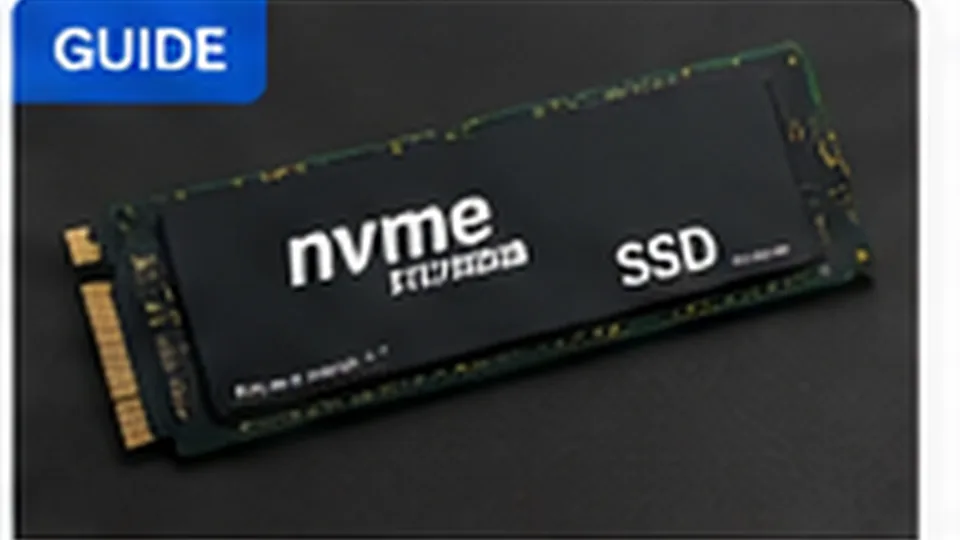
NVMe SSDs use PCI Express and can achieve much higher sequential throughput than SATA SSDs. For general office and web use, both can feel responsive; large file transfers, media work and heavy storage workloads benefit more from faster NVMe drives.
Storage is not backup
Whether your computer uses an SSD or hard drive, important data should exist in more than one place. A failed drive, stolen laptop, ransomware incident or accidental deletion can affect either technology.