🇨🇦 Canadian computer & technology guidance
AboutContact
Home›How Much RAM Do You Need?

Memory explained

How Much RAM Do You Need?

RAM affects how comfortably a computer handles active applications, browser tabs and large working files.

Quick answer

16 GB is a practical mainstream target for many new computers. Choose 32 GB or more when development, large creative projects, virtual machines or unusually heavy multitasking justify it.

8 GB: basic and constrained

Eight gigabytes can still handle light web, email and document work, but it leaves less room for heavy browser use, large office files and multitasking. On systems where memory cannot be upgraded, buying only 8 GB can shorten the useful life for demanding users.
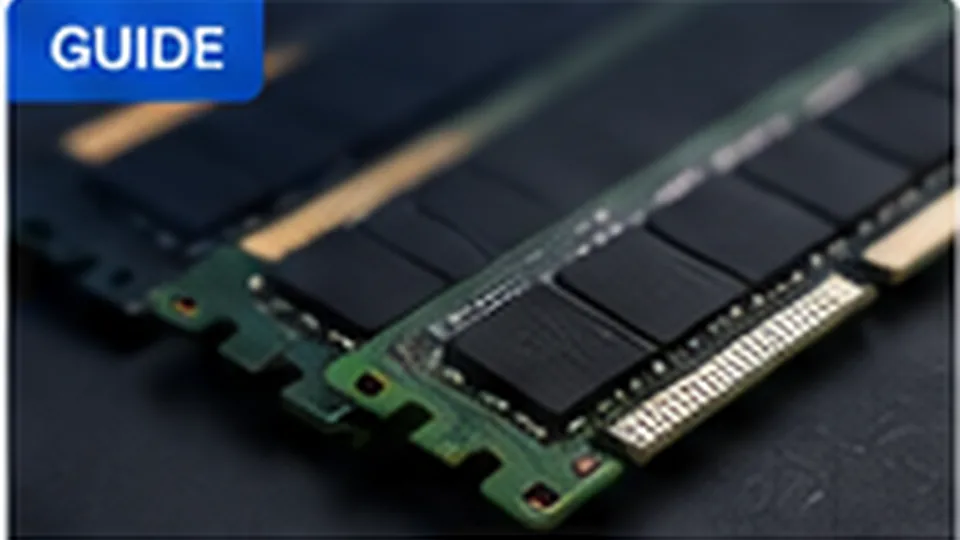
Computer memory modules
Memory capacity should match the workload and the number of applications you expect to run at the same time.

16 GB: practical mainstream target

Sixteen gigabytes is a comfortable target for many new general-purpose systems. It gives browsers, office applications, communication tools and moderate creative work more headroom without dramatically increasing cost.

32 GB and beyond

Thirty-two gigabytes can make sense for developers running virtual machines, large creative projects, advanced photo/video workflows, engineering tools and heavy multitasking. More than 32 GB is usually workload-specific rather than automatically better.

Capacity is only part of the story

Memory speed and channel configuration can affect performance, especially with integrated graphics, but capacity usually has the bigger impact when a system is running out of RAM. Check whether memory is soldered, socketed or partially upgradeable before buying.

RAM planning

RAM targets by workload

WorkloadStarting pointWhen to choose more
Basic browsing and documents8 GB can workChoose 16 GB for longer useful life and heavier multitasking
Typical student / office use16 GBChoose 32 GB for large data sets or many heavy apps
Development16–32 GBVMs, containers and large IDE workloads
Creative work16–32 GBLarge RAW files, high-resolution video or complex projects

Quick answers

Frequently asked questions

Is 16 GB of RAM enough in 2026?

For many everyday, student and office workloads, 16 GB is a practical target. Demanding creative work, development, virtual machines and heavy multitasking may benefit from 32 GB or more.

Can I upgrade laptop RAM later?

Sometimes. Many thin laptops use soldered memory that cannot be upgraded, while others have one or more replaceable modules. Check the exact model before buying.

Does faster RAM matter more than having more RAM?

Usually, having enough capacity matters first. Memory speed can affect performance, especially with integrated graphics, but insufficient capacity causes much larger slowdowns when the system begins using storage as overflow memory.